
VIPTools / Document workflow
Data Mapper
Map spreadsheet columns into the format you need.
Rename, reorder, split and combine fields. See source-to-output connections and reuse your mapping next time.
Open Data MapperSign-in and tool access are required. This page is a preview, not the editor.
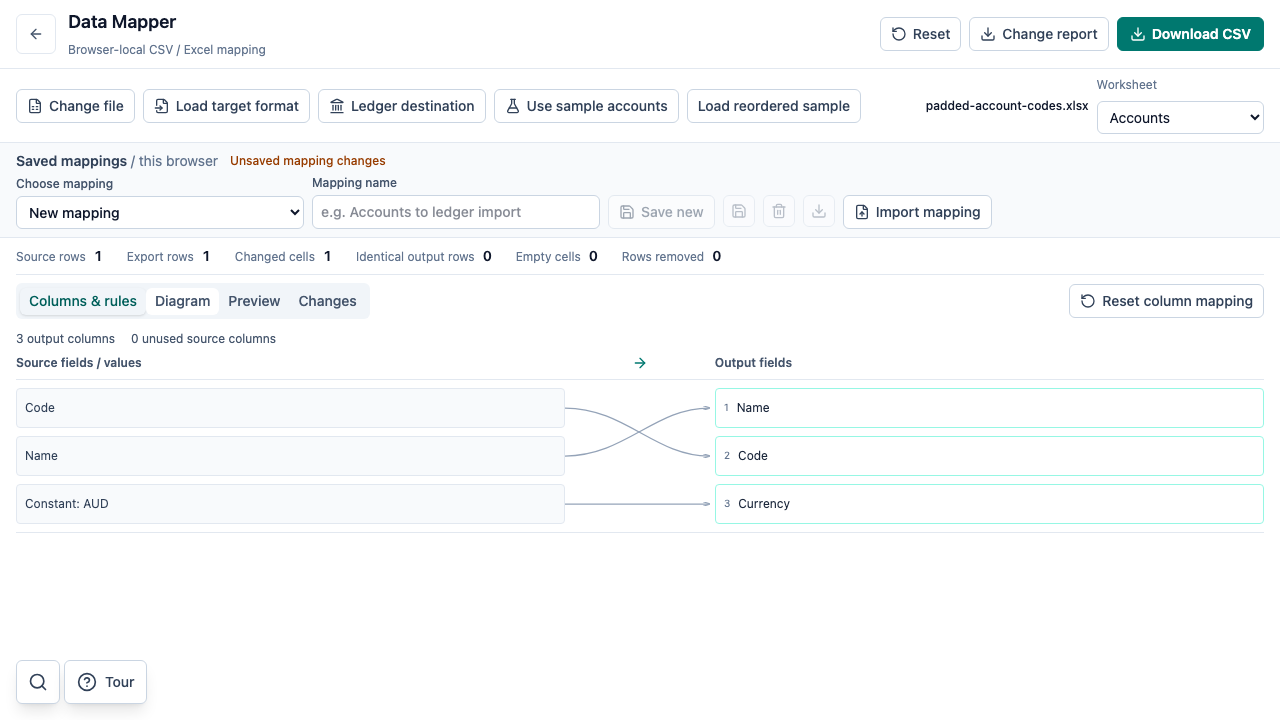
From source to output
Load your source
Open a CSV or Excel file. Load a sample destination file to define the output columns.
Connect your fields
Use the diagram or column rules to map, rename, reorder, split or combine fields. Review changed values.
Export and reuse
Download the mapped CSV. Save a mapping in this browser or export its template for reuse.
Privacy and processing
File reading, mapping and export happen in your browser. Saved mapping templates stay in this browser unless you export them. This workflow does not upload your spreadsheet to an AI provider.
What to check
A mapped file is not a certified ledger import. Check account codes, tax codes and your destination system's current requirements before importing it. Templates do not replace accounting review.