
VIPTools / Document workflow
PDF Converter
Convert PDFs without uploading your document.
Download Excel, Word, PowerPoint, page images or extracted text. Choose visual output or editable content.
Open PDF ConverterSign-in and tool access are required. This page is a preview, not the editor.
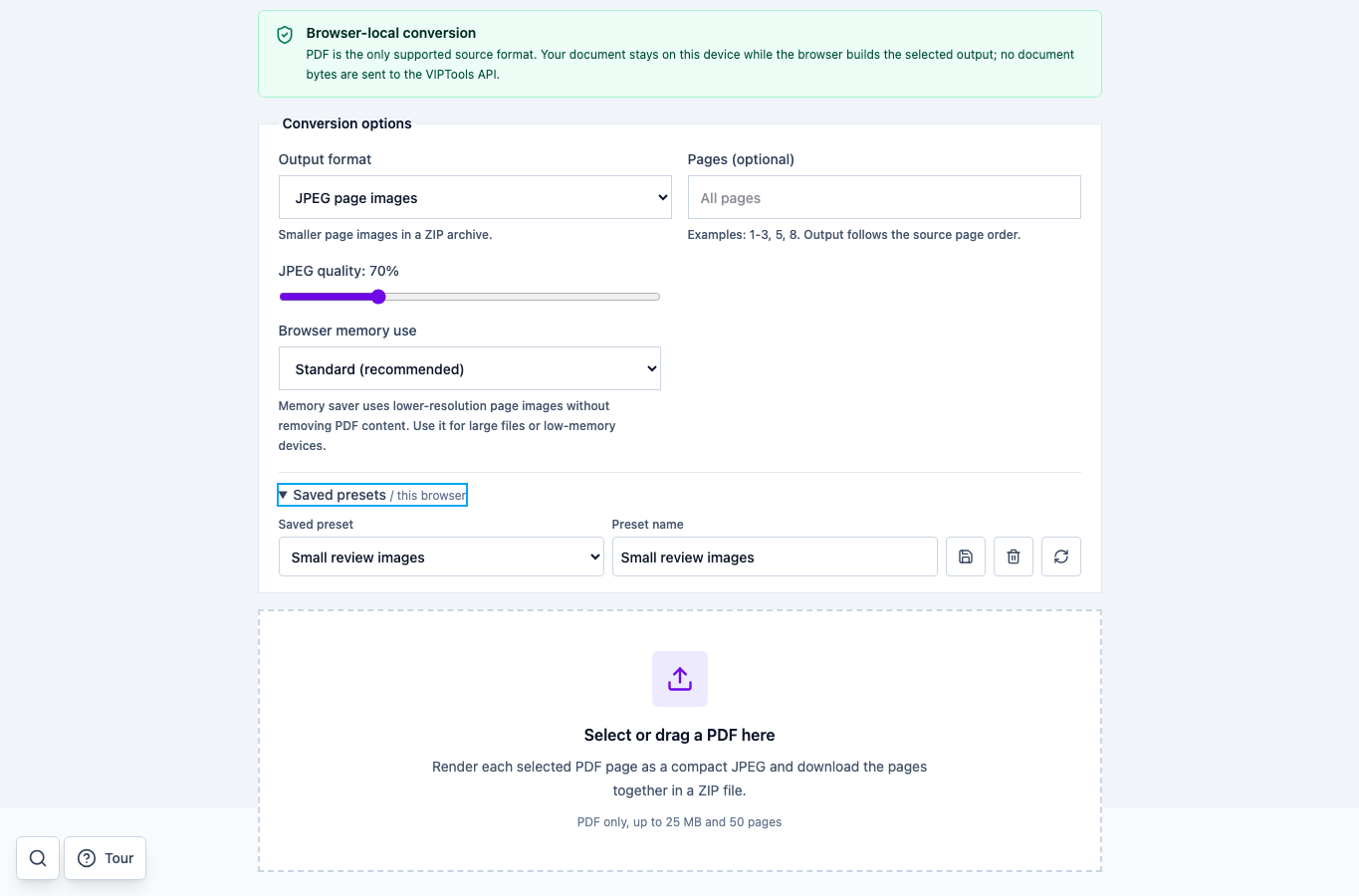
From source to output
Choose your output
Select Excel, Word, Visual PowerPoint, PNG, JPEG, text, Markdown or detected-table CSV.
Select your PDF
Choose all pages or a page range. Optional OCR runs locally for scanned text.
Download the result
Choose which Excel sheets to include. Save a preset in this browser for your next conversion.
Privacy and processing
Conversion and optional OCR run in your browser. Document bytes are not sent to the VIPTools API. The browser may download the local processing libraries and language assets it needs.
What to check
Visual Word and PowerPoint use page images. Editable Word and Excel reconstruct content and may differ from the PDF. OCR can make mistakes. Larger files need more device memory; review important outputs.