
VIPTools / Document workflow
Quick PDF
Edit and organise PDF pages in your browser.
Merge PDFs, move and resize pages, add markup and choose an export that fits your task.
Open Quick PDFSign-in and tool access are required. This page is a preview, not the editor.
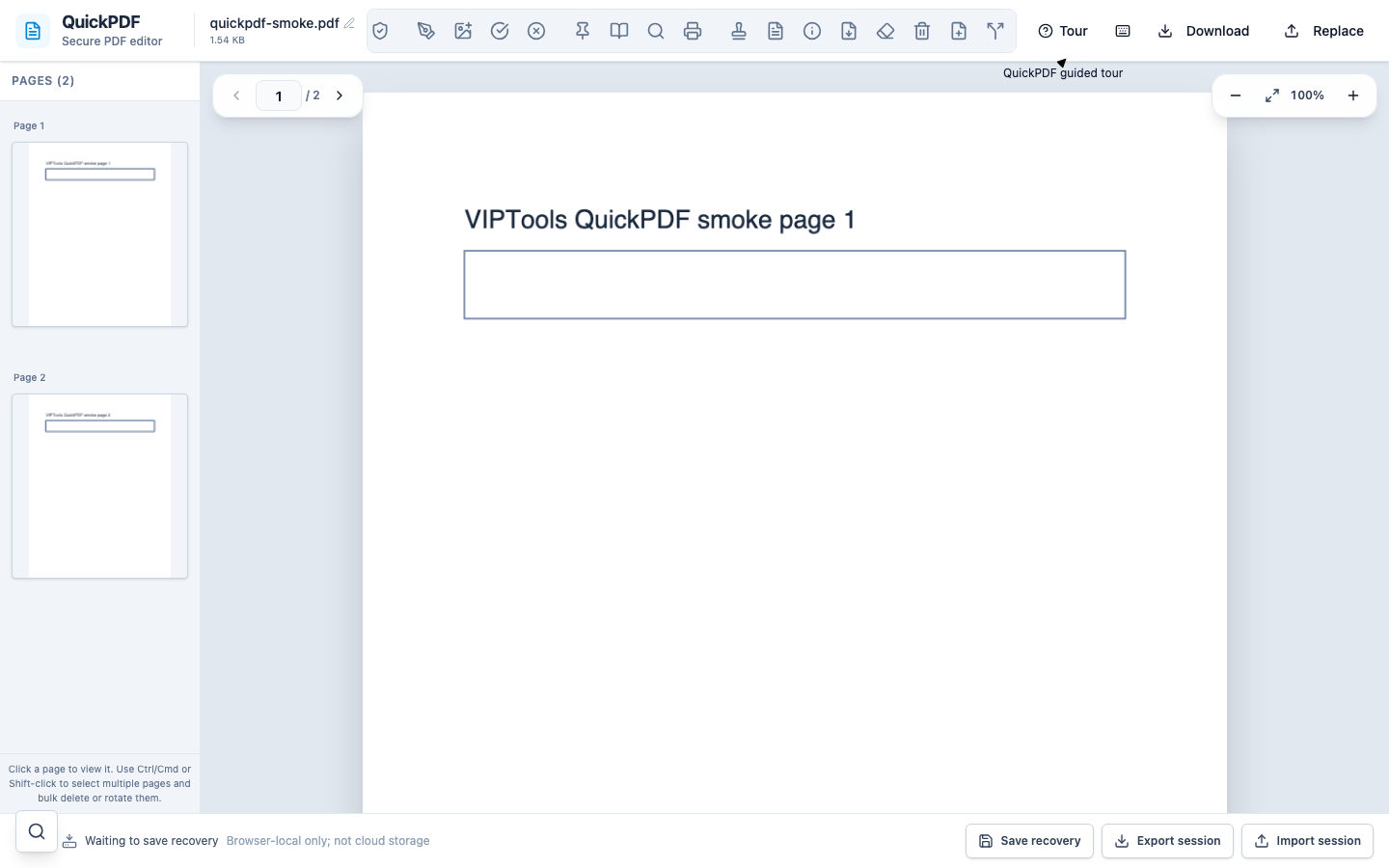
From source to output
Open a PDF
Select or drop a PDF. Use the guided tour to find the controls in the real editor.
Make your changes
Merge documents, move or resize pages, add text, signatures, watermarks or page numbers.
Choose your download
Choose Standard, Optimized or Secure Export. Check the guidance before exporting redactions or blur.
Privacy and processing
PDF editing happens on this device. Your document is not uploaded for these operations. Browser-local recovery can help restore edits; export a session file for a separate backup.
What to check
A black box or blur in an editable PDF is not proof that hidden information is removed. Use the secure export guidance and check the downloaded PDF. Browser recovery is not cloud backup.